| Reader situation | Where to start | Planning use |
|---|---|---|
| New to SIEM | Collect, correlate, alert, store | Learn how a raw event becomes an alert before opening any product. |
| Mapping log sources | Network devices, security devices, servers, applications, cloud | List what can export logs, then add sources gradually because some vendors charge per data source. |
| Practising log analysis | Failed-login events | Follow one event type from the raw line to a categorised alert. |
| Choosing a lab tool | Splunk or Elastic Stack (ELK) | Read each vendor’s current documentation and licence terms before building a home setup. |
| Heading towards a SOC role | Alert filtering and response | Study how alerts are filtered, triaged and handled by analysts. |
The table draws on Splunk’s SIEM overview and ChaosSearch’s comparison of SIEM and log analytics.
What is a SIEM? A security information and event management system collects log data from many devices, correlates events and alerts analysts to unusual behaviour such as failed logins. It also stores logs for forensic work and compliance.
Learners working towards certification can pair this guide with the security+ exam vorbereitung hub. The sections below are grouped by what you are trying to do.
If you are new to SIEM
What a SIEM does
A SIEM ingests and combs through a high volume of data in seconds to find and alert on unusual behaviour, according to Splunk. It collects and aggregates log data from network and security devices in real time, as ChaosSearch describes. That makes it a central place to look, instead of logging in to each router, server and application separately.
Splunk also notes that the SIEM market is growing at a 14.5% compound annual rate, projected to reach $11.3 billion by 2026. For a learner, that growth is a reasonable signal that the skill is in demand, though it says nothing about any single product.
How raw logs become an alert
Failed logins make a clear worked example. The pipeline has four steps, and the example below is an illustration rather than a tuned detection rule.
- Collect. The authentication system and the firewall each write a line every time someone tries to sign in or a connection is made.
- Categorise. The SIEM labels the events. Splunk gives “failed login”, “account change” and “potential malware” as typical categories.
- Correlate. One mistyped password raises no concern. If a single event alone does not raise a red flag, the SIEM can still detect a correlation across multiple events. Repeated failed logins against one account, followed by a successful login, is the kind of sequence that log correlation is designed to connect.
- Alert. A deviation causes the system to alert security analysts and/or act to suspend the unusual activity.
Exact thresholds and time windows depend on the tool and on how busy the environment is, so treat them as settings to tune, not fixed numbers to memorise.
If you need to know where logs come from
Log sources decide what a SIEM can see. Splunk lists network devices, servers, security devices, applications, and cloud and SaaS services as the main groups.
Network and security devices
Network devices include routers, switches, bridges, wireless access points and modems. Security devices include intrusion prevention systems, firewalls, antivirus software, content filters and intrusion detection systems. These are the best first sources for a beginner because they record who connected to what, and they sit at the boundary where many attacks show up.
Servers, operating systems and applications
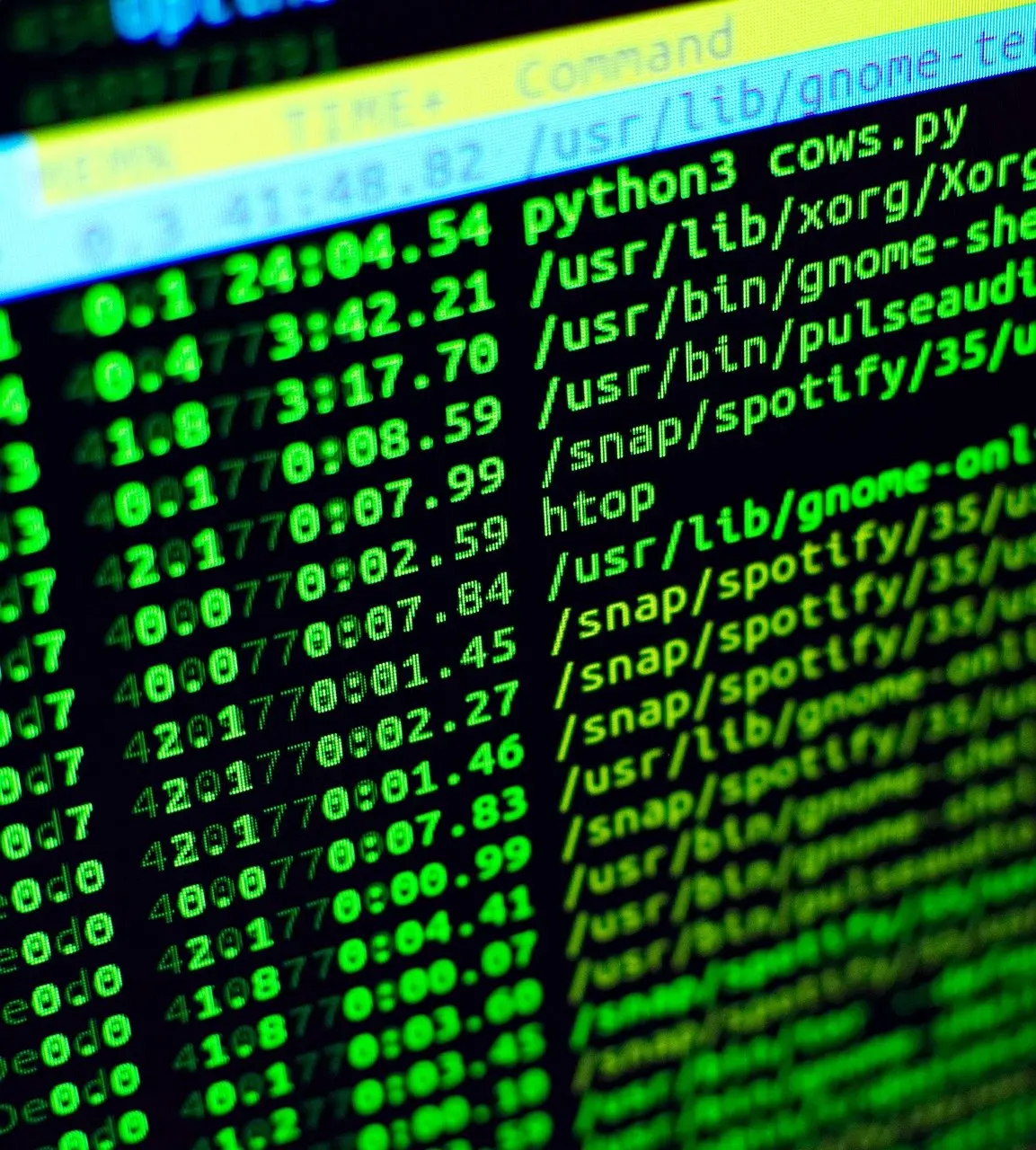
Log analytics tools gather data from a broader spectrum than a typical SIEM, including operating systems, network infrastructure, applications and endpoints, according to ChaosSearch. A Linux server is a practical home source, because its system and authentication records are plain text you can read yourself before any tool processes them.
Cloud and SaaS
Cloud platforms and SaaS applications are also valid sources. Add them after the basics work, since each extra source adds volume to review.
If you want to practise log analysis
Normalise before you search
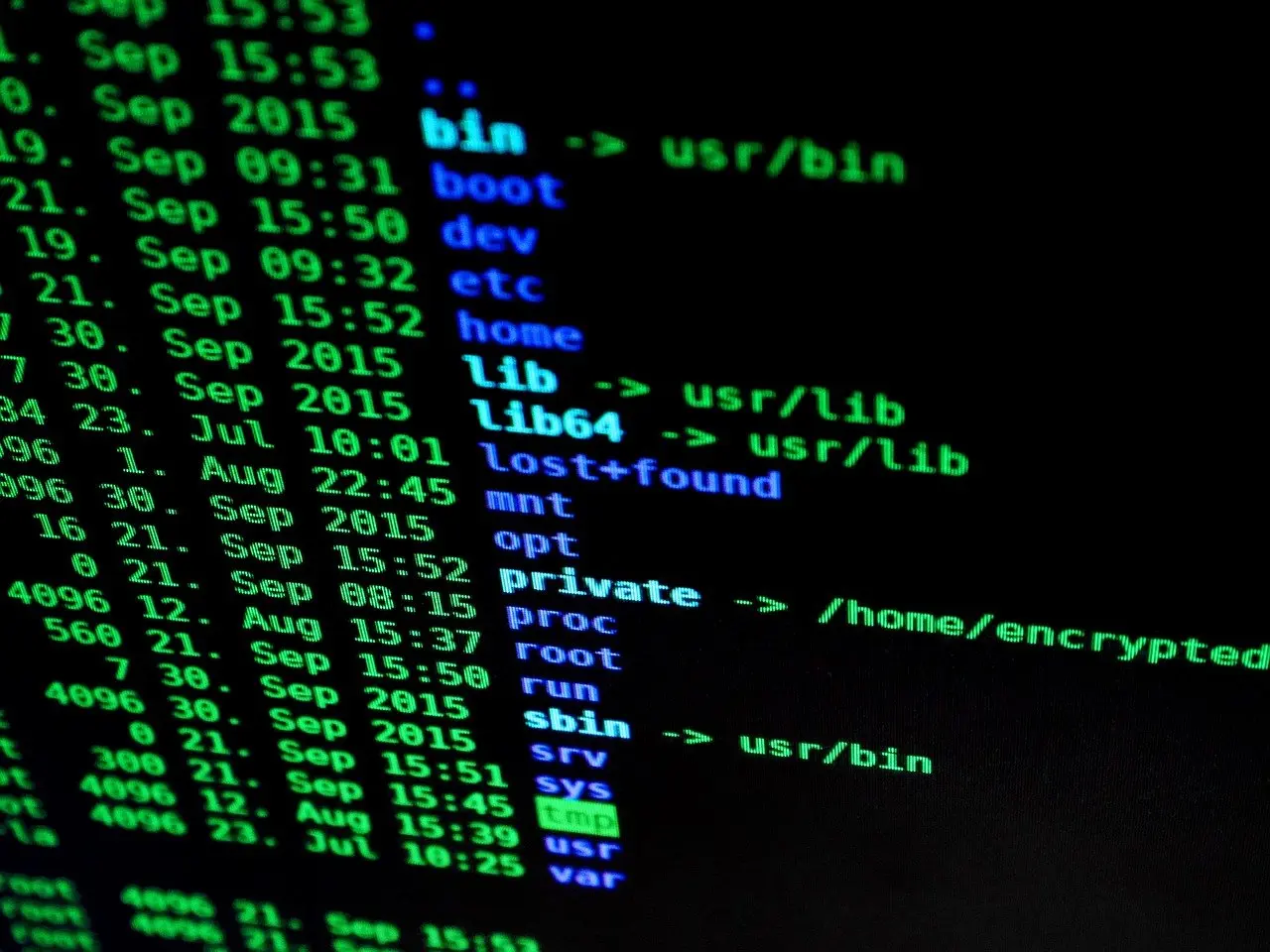
Most log analytics solutions offer a means of normalising log data from different sources, which gives one unified index for analysis. Without it, a failed login looks different on a firewall, a server and an application. Check that your lab tool maps fields such as user, source address and outcome to common names before you write any search.
Start with one event type
Pick failed logins and nothing else. Generate a few deliberate failures on a test machine, find the matching lines in the raw log, then find the same events in the SIEM and check that they carry the “failed login” category. Once you can trace one event from line to alert, widen the scope to account changes.
Keep the source list short
Many SIEM vendors charge per data source, giving users a budgetary incentive to limit integrations.
If you are choosing a tool to practise with
Splunk
Splunk sells Splunk Enterprise Security as its SIEM, described as a market-leading product to detect, investigate and respond to threats. It suits learners who want to practise on the interface that many job advertisements name. Check Splunk’s current documentation for what a free or trial licence allows at home, because that decides how much data you can load.
Elastic Stack (ELK)
The Elastic Stack (ELK) is the other option learners usually compare with Splunk. It suits people who want to build the pipeline themselves and understand each stage from collection to search. Elastic’s own documentation sets out current licence terms and which security features each tier includes, so read it before committing a weekend to setup.

Cost traps to avoid
- Subscription pricing. Cloud SIEMs run on a subscription model that reduces upfront hardware investment, which suits a learner without spare servers but turns cost into a running expense.
- Per-source charges. Where a vendor charges per data source, adding sources raises the bill, so connect only what your exercise needs.
- Time as a cost. Effective SIEM use may require extensive training, so choose the tool whose documentation you will actually finish reading.
If you need practical use cases
Common SIEM use cases
The use cases follow from the categories a SIEM applies to events.
- Authentication monitoring. Failed logins and account changes are the classic starting point.
- Malware and exfiltration signals. SIEM tools categorise events such as potential malware activity and potential data exfiltration, according to ChaosSearch.
- Multi-event detection. Some tools carry thousands of correlation rules informed by enterprise threat intelligence, which suits spotting patterns no single log line reveals.
- Investigation and compliance. Stored logs allow deeper forensic investigations and can serve as proof for compliance.
If you later move into the offensive side of security, what is penetration testing covers how weaknesses are found, which is the activity your detections are meant to notice. Readers who want the cryptography side can continue with what is public key infrastructure.
If you are heading towards a security operations center
What a security operations center does
A security operations center (SOC) is the team of security analysts who receive SIEM alerts and decide what to do about them. Its day-to-day problem is volume. User behaviour analytics features filter alerts before the SOC team is notified, and a SIEM can help reduce the number of false positive alerts, both according to Splunk.

What the role asks of you
Automated response features can eliminate slow, manual processes and reduce mean time to resolution. Even so, ChaosSearch cautions that using a SIEM effectively may require extensive training and additional cybersecurity staff. For a career changer, the practical step is to build the failed-login exercise above and be able to explain each stage aloud.
Frequently asked questions
| Question | Answer |
|---|---|
| How is a SIEM different from a log analytics tool? | A SIEM focuses on collecting and aggregating log data from network and security devices to detect threats. Log analytics tools gather data from a wider range of sources, including operating systems, applications and endpoints. |
| Can a SIEM act as well as alert? | Yes. A deviation can make the system alert analysts, act to suspend the unusual activity, or both. |
| Does a SIEM keep logs indefinitely? | Not necessarily. Most SIEM tools limit retention periods and charge high costs for long-term storage, so check retention settings before relying on old logs. |
| Where does the term SIEM come from? | Gartner introduced SIEM in 2005, combining security information management and security event management. |