The 7 layers of the OSI model, from bottom to top, are Physical, Data Link, Network, Transport, Session, Presentation and Application. Each layer handles one job in moving data between devices, and the layers work together rather than one after another.
This guide follows a single web request through the stack. For exam context, see how to prepare for ccna.
Why the model is split into layers
The OSI model is a seven-layer reference model developed by the International Organization for Standardization. The model gives engineers a shared vocabulary: a fault or a feature can be described as belonging to one layer, so a cabling problem is not confused with an addressing problem.
The layers are a description, not a strict assembly line. One layer does not finish its processes before the next one begins, so the layers operate in tandem. Treat the numbering as a way to organise knowledge about a network, and expect real software to blur the boundaries.
The seven layers at a glance
The table lists each layer from the bottom up with its data unit, typical examples and the way to use it when you reason about a network.
| Layer | Name | Data unit | Examples | Planning use |
|---|---|---|---|---|
| 1 | Physical | Bits | Cable, RJ45 | Check cabling and connectors first when a link is dead |
| 2 | Data Link | Frame | MAC addresses, switches | Think here for local delivery between neighbouring devices |
| 3 | Network | Packet | IP, routers | Think here for addressing and reaching other networks |
| 4 | Transport | Segment | TCP, UDP, port numbers | Think here for delivery between hosts and which application receives data |
| 5 | Session | Data | Syn/Ack | Think here for connections being established and ended |
| 6 | Presentation | Data | Encryption, ASCII, PNG, MIDI | Think here for how data is encoded or converted |
| 7 | Application | Data | SNMP, HTTP, FTP | Think here for what the user or program actually requests |
Examples follow the Plixer layer overview, and the bit-level description of layer 1 follows Belden.
Data units are named by layer, and the names are worth memorising because exam questions and capture tools use them. Data is a frame at layer 2, a packet at layer 3 and a segment at layer 4. The upper layers simply handle application data.
Layers 1 and 2: getting bits onto the wire and between neighbours
Layer 1: Physical
The physical layer transmits raw bits rather than logical data packets and acts as the interface with the data link layer. Actual hardware sits at this layer and carries signals over media. Cables and RJ45 connectors are the usual examples, and fibre optic belongs here too.
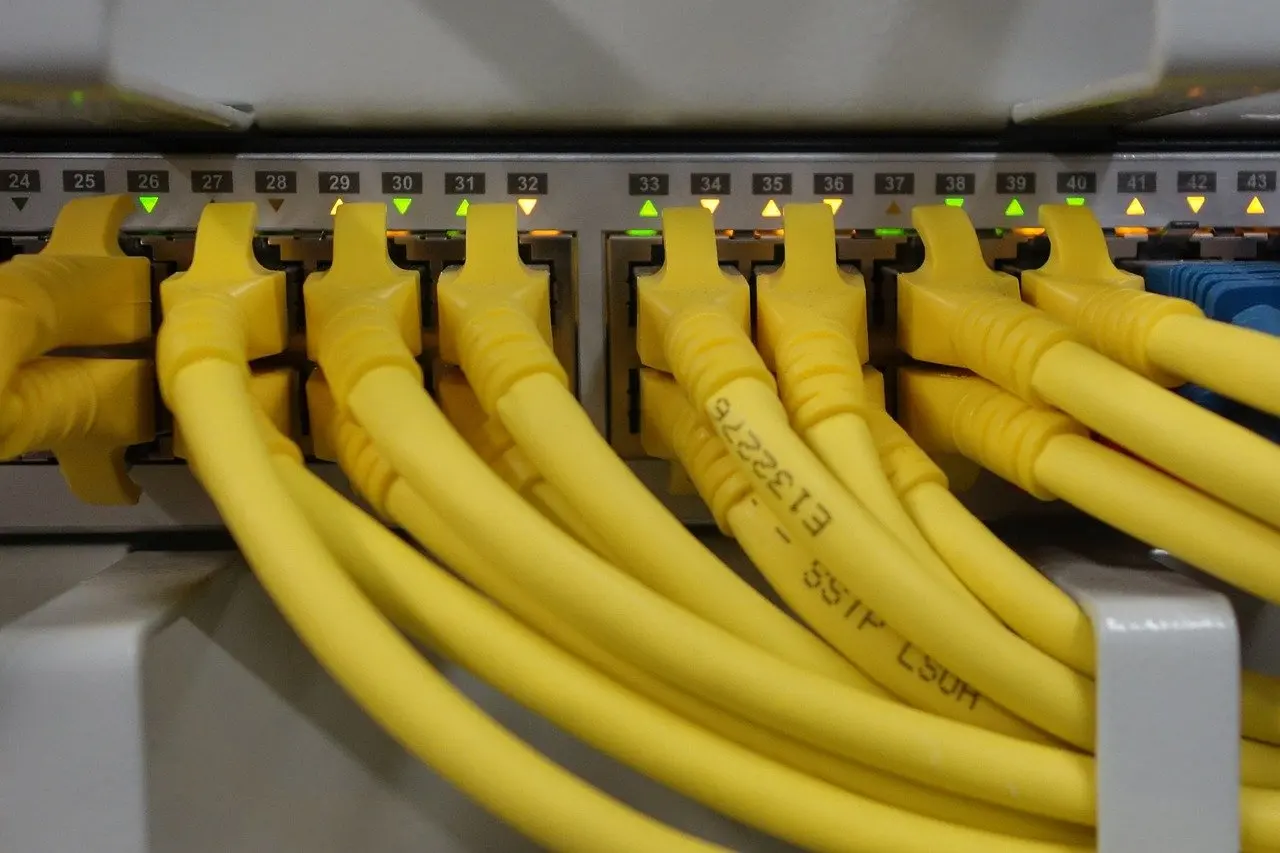
If nothing works at all, start with the cable and the connector. No higher layer can compensate for a link that does not carry signals.
Layer 2: Data Link
The data link layer adds sender and receiver MAC addresses to the data packet to form a frame. MAC addressing and switches are its standard examples, and PPP is another layer 2 protocol. A switch uses these frame addresses to hand traffic to the right neighbouring device.
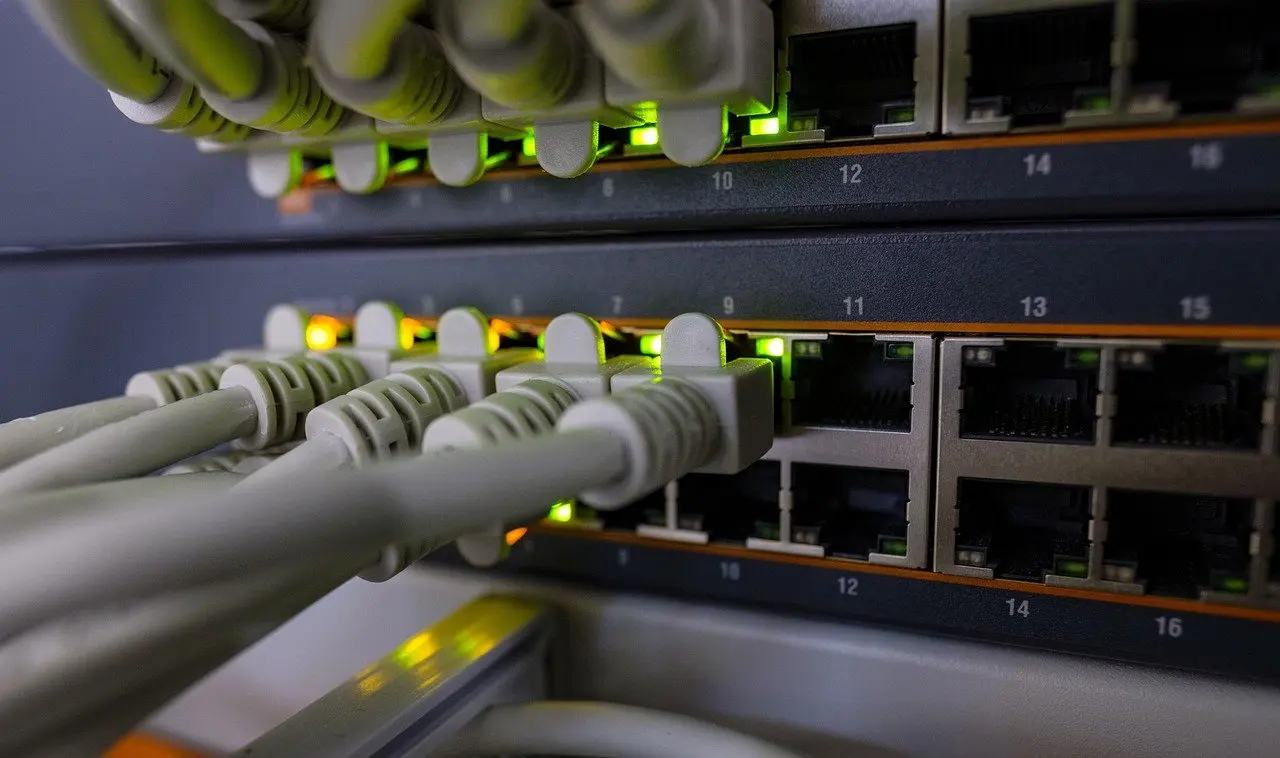
The split matters for troubleshooting. A lit port tells you layer 1 is probably healthy, but it says nothing about whether frames are being delivered correctly.
Layer 3: addressing and routing between networks
The network layer determines how data is sent to the receiving device. IP and routers are the textbook examples, and ARP and ICMP are also listed at this layer. Data at this layer is a packet.
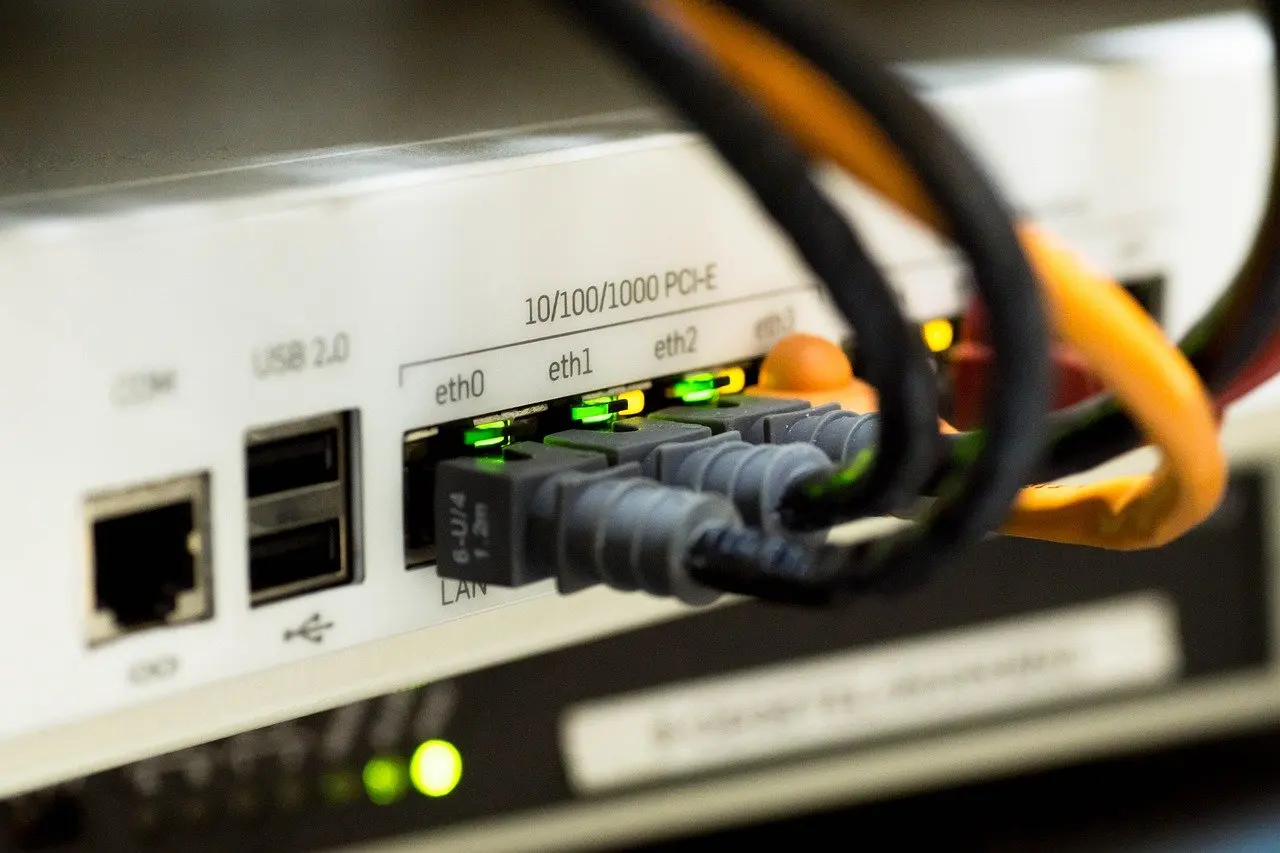
Use layer 3 as your reference point when the question is whether a device can reach something beyond its own local segment. That is a different question from whether the cable works (layer 1) or whether a neighbour answers (layer 2).
Layer 4: delivery between hosts
The transport layer coordinates data transfer between systems and hosts, including error-checking and data recovery. Layer 4 receives data from layer 5 and segments it. TCP, UDP and port numbers are the typical examples.
The choice between TCP and UDP is where this layer becomes practical. Data recovery and error-checking are part of the transport layer’s remit, so a service that needs them looks to this layer. Port numbers then direct each segment to the right application on the receiving host.
Layers 5 to 7: sessions, formats and applications
The session layer establishes and terminates connections, with Syn/Ack as its example. The presentation layer converts data to and from the application layer, and its examples are encryption, ASCII, PNG and MIDI.
Layer 7 is the one users notice. Most of what the user actually interacts with is at this layer, with SNMP, HTTP and FTP as examples. Note that the application layer is the protocol the program speaks, not the program itself. A browser is not layer 7; HTTP is.
In practice the upper three layers are often discussed together, because real protocols rarely separate session, presentation and application duties cleanly. For study purposes, keep each layer’s role distinct so you can place an example correctly in a question.
One web request through the stack
Encapsulation is the process of wrapping data in a new layer’s information as it moves down the stack, and decapsulation reverses it on the receiving side. A web page request shows every layer in action, in this order:

- Request created (layer 7). The browser asks for a page using HTTP, an application layer protocol.
- Data prepared (layers 6 and 5). The presentation layer converts the data, for example by encrypting it, and the session layer establishes the connection.
- Segmenting (layer 4). The transport layer segments the data it receives from layer 5, and TCP with port numbers directs it to the right application.
- Packaging as a packet (layer 3). IP addressing decides how the data reaches the receiving device, and routers use it to cross networks.
- Framing (layer 2). Sender and receiver MAC addresses are added to form a frame.
- Transmission (layer 1). The frame leaves as raw bits over a cable such as one ending in an RJ45 connector.
On arrival the process runs in reverse. Received signals are decapsulated, or translated back into binary and then into application data. Because layers operate in tandem, the sender and receiver are always handling several layers at once, which is why the numbered steps are a teaching sequence rather than a timeline.
Remembering the layer order
Two English mnemonics cover both directions. Starting at layer 7 and working down, the phrase is All People Seem To Need Data Processing, standing for Application, Presentation, Session, Transport, Network, Data Link, Physical. Starting at layer 1 and working up, it is Please Do Not Throw Sausage Pizza Away, for Physical, Data Link, Network, Transport, Session, Presentation, Application.
Choose the direction that matches how you reason. Bottom-up suits troubleshooting, where you check the cable first. Top-down matches the order of encapsulation in the web request above. Whichever you pick, rehearse it with the data units from the table, because the order alone does not tell you what each layer does.
OSI in real networks and in CCNA study
The OSI model is still referenced a lot to describe network layers, even though the TCP/IP model is a more concise framework with only 4 layers. Working networks run TCP/IP protocols, while OSI layer numbers remain the common language for describing where a device or protocol operates. The differences and mapping are laid out in tcp/ip model vs osi model.
For CCNA candidates, the practical advice is to know the layers in order, the data unit at each, and an example protocol or device for each. Test that knowledge with scenario questions rather than rote lists, for instance ccna practice questions. Check the current official exam topics for exact coverage.
Frequently asked questions
What are the 7 layers of the OSI model in order?
From layer 1 up: Physical, Data Link, Network, Transport, Session, Presentation and Application.
Which devices belong to which layer?
Cables and RJ45 connectors sit at the physical layer, switches at the data link layer and routers at the network layer. The upper layers are defined by protocols such as TCP, UDP and HTTP rather than devices.
What is the difference between a frame, a packet and a segment?
They are the data units at different layers. A frame belongs to the data link layer, a packet to the network layer and a segment to the transport layer.
Is the OSI model the same as TCP/IP?
No. TCP/IP is a more concise framework with only 4 layers, while OSI has seven. OSI is still widely used to describe where functions sit.
Which mnemonic should I use?
Use “Please Do Not Throw Sausage Pizza Away” to count up from layer 1, or “All People Seem To Need Data Processing” to count down from layer 7.