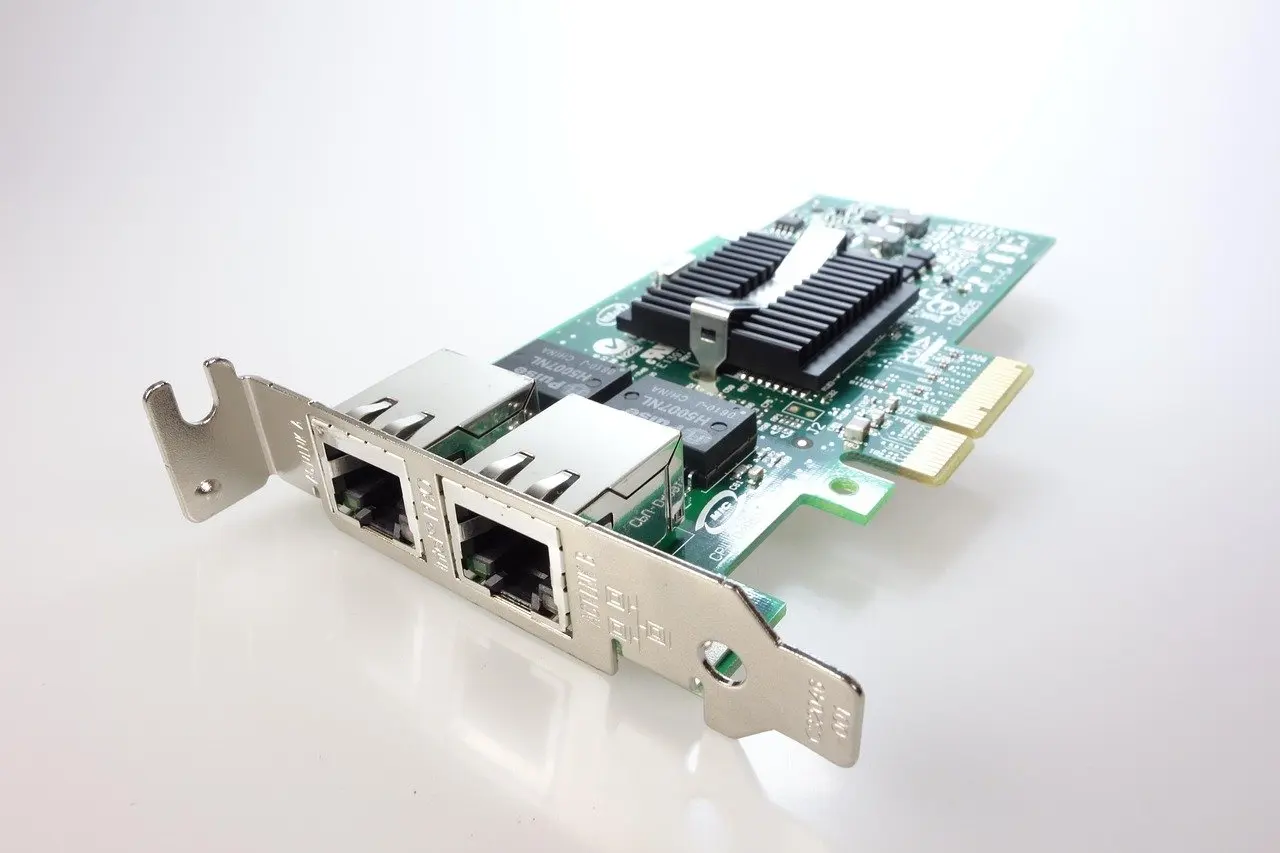
What is a MAC address? It is a unique identifier that a manufacturer assigns to a network interface controller (NIC). It is 48 bits long and identifies a device on the local network, not across the internet.
A laptop is plugged into an office switch, and a colleague asks which address the switch reads when the laptop sends data. The answer is the MAC address, which handles delivery inside the local network. The IP address handles delivery between networks. MAC addressing is one building block in the guide on how to prepare for ccna.
What a MAC address is
A MAC (Media Access Control) address is a unique identifier assigned to a NIC by its manufacturer, according to CCNA study material on MAC address tables. The same material describes it as a 6-byte (48-bit) value written in hexadecimal. The usual notation is pairs of hexadecimal digits separated by colons.
The same document says the EUI-48 value is six octets, encoded with the most significant octet first. Colons, hyphens and bare hex strings are therefore different spellings of the same 48-bit value.
The MAC address belongs to the network interface, not to the person or the operating system. A laptop with a wired port and a wireless adapter has a separate address for each. That is why the same machine can appear under different addresses on different switch ports and access points.
Misconception: a MAC address and an IP address do the same job
They are two parts of one delivery. The MAC address says which interface on the local network should receive a frame. The IP address says which host the data is ultimately for. The contrast table shows how they divide the work.

| Attribute | MAC address | IP address |
|---|---|---|
| Assigned to | A network interface controller, by its manufacturer | A host on a particular network, through configuration |
| Format | 48 bits, written as hexadecimal pairs | A logical address whose network and host parts are split by a mask |
| Scope | Identifies devices on the local network | Used by routers to move traffic between networks |
| Device that reads it | Switches use it to choose an outgoing port | Routers use it to choose a next hop |
| Can it change? | Yes, it can be spoofed in configuration | Yes, it follows the network the device joins |
The MAC column follows the description in this CCNA reference on MAC address tables.
The practical rule: when a frame crosses a router, the IP addresses stay in the packet while the MAC addresses are replaced for the next local hop. The IP side, including how a mask divides an address, is covered in subnet mask explained. For the device roles, see the full comparison of switch vs router.
Misconception: a MAC address proves identity
A MAC address is built to be unique, but it is not proof of who is on the other end. CCNA study material states that MAC addresses can be spoofed, meaning a device can be configured to use a different MAC address. Treat the address as a label for delivery, not as a credential.
This matters most when a network filters devices by MAC address. A filter of that kind stops casual connections but not a determined one. The same reference names dynamic ARP inspection (DAI), a switch feature that verifies the validity of ARP packets, as one control against forged address mappings.
ARP is the protocol hosts use on a local network to find the MAC address that goes with a known IP address. Forging its answers is how spoofed addresses are used to misdirect traffic, so ARP is where the IP and MAC halves of a delivery meet.
The OUI: reading the manufacturer part
The first three bytes of a MAC address are the Organisationally Unique Identifier (OUI), the part assigned to the NIC manufacturer, as the CCNA reference explains. Two network cards from the same maker therefore tend to share the start of their addresses and differ in the rest.
Looking up the prefix in the IEEE OUI registry is the usual way to see which organisation it belongs to.
Use the OUI as a hint when troubleshooting, such as spotting an unknown device on a switch port. Because addresses can be changed, a prefix match does not prove what the device really is.
Ethernet and the MAC address inside a frame
Ethernet is the family of wired local-area network technologies specified by IEEE 802.3. The standard uses a common media access control (MAC) specification, and that is where the MAC address gets its name. Every Ethernet frame carries a destination and a source MAC address in its header.
In a Wireshark capture with the Ethernet header expanded, these are the first fields shown: the destination MAC, the source MAC and the type of data that follows. The IP addresses sit in the next header inside the frame. Reading a capture in that order separates the local delivery details from the end-to-end ones.
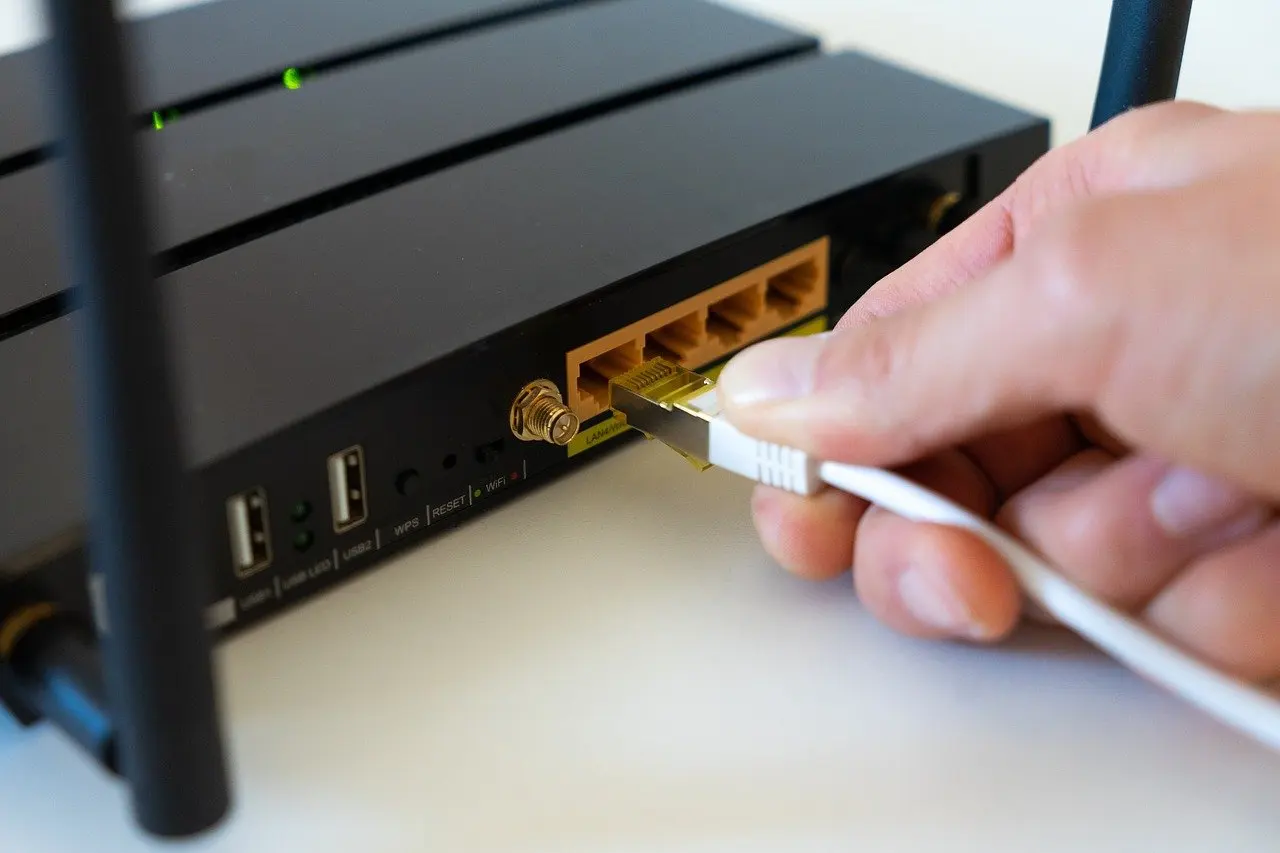
On a router, the frame’s MAC addresses describe only the link just crossed. The next link gets a new header with new MAC addresses, while the IP packet inside is unchanged.
How a switch learns and uses MAC addresses
A switch keeps a MAC address table, which CCNA material describes as the record of which devices are connected to which ports. When a frame arrives, the switch looks up the destination MAC and sends the frame out of the matching port only.
If the destination is not in the table, the switch responds by broadcasting the frame out of all of its ports, which the same reference calls flooding the network. Flooding is normal for a new or silent device. Persistent flooding, though, usually points to a table that is not filling, so check the table before blaming the cable.
Reading the table is a quick way to connect the layers. A MAC address in the table maps to a port, and the ARP cache on a host maps an IP address to that same MAC address. Following one device through both lists shows the two halves of a delivery.
Ethernet standards and media
IEEE 802.3 does not describe one speed. According to IEEE, Ethernet operation is specified for selected speeds from 1 Mb/s to 400 Gb/s. The current base standard is IEEE 802.3-2022, published 2022-07-29. It allows physical layer devices (PHYs) for operation over coaxial, twisted pair or fiber optic cables.
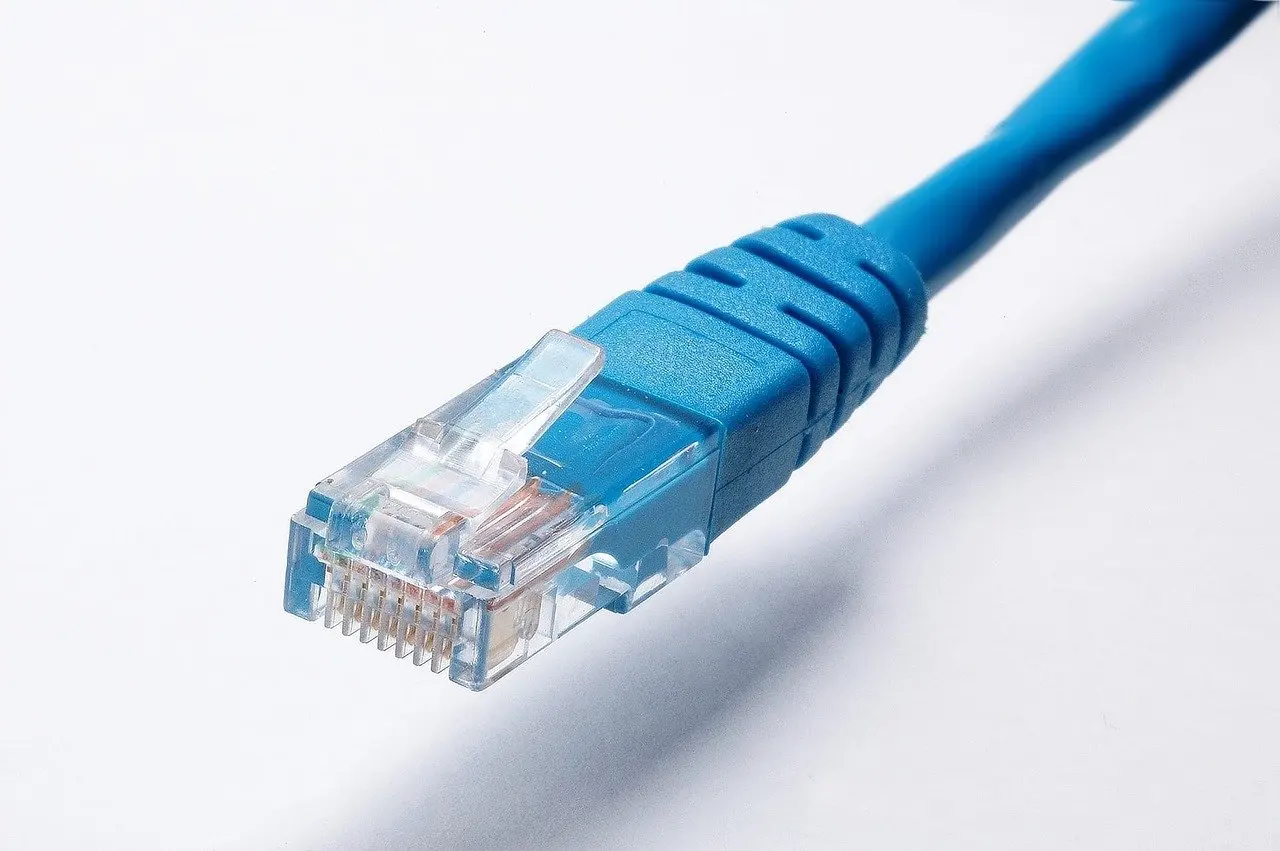
Each variant pairs a speed with a medium. When choosing cabling, match the cable and ports to the speed and medium your equipment is rated for. Use fiber or twisted pair according to the port type you have, and check the relevant clause of the standard for distance limits.
Whatever the variant, the common MAC specification applies. A frame therefore carries the same kind of MAC addresses on a slow link or a fast one, and the switch table works the same way.
Frequently asked questions
| Question | Answer |
|---|---|
| Will Ethernet go faster than 400 Gb/s? | A draft amendment, P802.3dj, adds MAC parameters for 1.6 Tb/s, as noted on the IEEE 802.3 page. It is a draft, so check its status before planning around it. |