| Device | Forwards on | Collision domains | Broadcast domains | Planning use |
|---|---|---|---|---|
| Hub | Nothing; repeats every signal out of every other port | Whole device is a single shared domain | Single domain, shared with everything attached | Only for learning or legacy gear; a switch replaces it |
| Switch | Destination MAC address (data link layer) | Each port is its own domain | One by default; split only with VLANs | Connects wired devices inside one network |
| Router | Destination IP address (network layer) | Each interface is separate | Each interface is a separate domain | Joins your network to another network, such as the internet |
| Access point | Bridges wireless frames onto the wired network | Wireless clients share the radio channel | Same network as the wired port it plugs into | Adds Wi-Fi coverage to an existing wired network |
Access points and routers play different roles in a network, as Ascent Optics and a Spiceworks community discussion both describe, and the table applies the standard forwarding rules to each device.
The switch vs router question comes down to scope. A switch connects devices inside one network, while a router connects separate networks. Most homes need a router; offices add a switch once the wired ports run out.
The sections below sort the choice by situation. For the wider study path, see how to prepare for ccna, where device roles feed into later topics such as addressing and routing.
What each device forwards on
A switch forwards frames by destination hardware address, and a router forwards packets by destination IP address. That one difference explains almost everything else in the table above.
A switch learns which device sits on which port and sends a frame only to the port that leads to its destination. Those hardware addresses are covered in what is a mac address. Because each port is its own collision domain, two computers can transmit to different destinations at the same time without interfering. Broadcasts still reach every port, so a plain switch leaves everything in one broadcast domain.
A router reads the network layer instead. It receives a packet on one interface and decides which other interface leads toward the destination network. Each router interface sits on a separate broadcast domain, so a broadcast sent on the home side never crosses to the internet side. That containment is the router’s job, and a switch cannot provide it on its own.
- Hub: repeats everything, so every attached device competes for the same shared medium. It is a useful teaching contrast and a poor purchase.
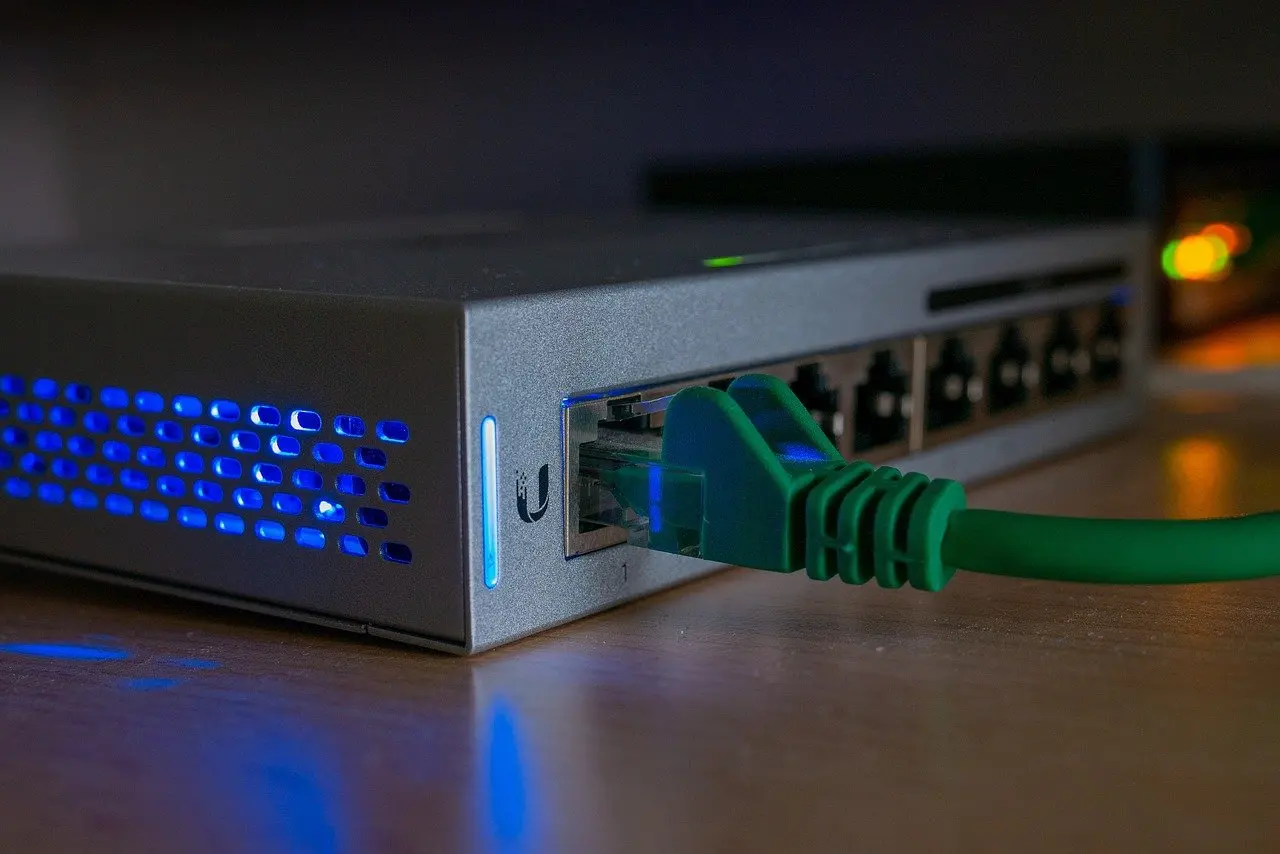
- Switch: raises throughput by giving each port a private path, but does nothing to separate broadcasts.
- Router: limits broadcasts and links different networks, at the cost of needing addressing and configuration on each interface.
A home network
A home network usually needs one router and nothing else. The router joins the household to the internet through its WAN port, and most home models also include a few LAN ports and a built-in wireless radio.
Adding a separate switch only makes sense when the built-in LAN ports run out, for example when a games console, a desktop and a media player all want a cable. A switch plugged into a router LAN port simply extends the same network, so every device keeps the router’s address range and internet path.
- Choose the router alone when devices are few and mostly wireless.
- Add a switch when you want more wired ports near the television or desk, with no change to how the network behaves.
- Skip a hub in every case; it adds shared-medium contention that the switch removes.
A small office
A small office suits a router for the internet connection, a switch for wired desks and printers, and one or more access points for Wi-Fi. Separating the roles makes each device easier to replace or upgrade.
The switch is the part to size carefully. A Spiceworks discussion of access point deployments mentions a gigabit PoE switch, meaning ports that run at 1 Gbps and can also power the access points over the same cable. That removes the need for a separate power outlet at each ceiling-mounted access point.
Using a full router as an access point is a common shortcut, but the same thread points out that it means paying for routing capability that goes unused. It also carries a configuration risk: if such a router is reset to defaults, its DHCP server is enabled again and can clash with the main one, producing obvious problems on the network. A dedicated access point avoids both issues. The thread adds that where a router and switch already exist, an access point is all that is needed to extend the Wi-Fi signal.
- Choose a dedicated access point when the router already handles routing and only coverage is missing.
- Choose a PoE switch when access points are mounted away from power outlets.
- Avoid a second router on the same network unless you deliberately want a separate network behind it.
Wi-Fi coverage: access point or extender
An access point connects wirelessly to a wired network, which links wireless devices without extra radio hops. Ascent Optics describes access points as best suited to businesses and large homes.
A range extender is the cheaper alternative, but the same source notes that extenders cause a speed decrease because bandwidth is shared. That makes a cabled access point the better choice wherever a network cable can reach the spot that needs coverage. An extender is the fallback only where no cable run is practical.
Growing networks and layer-three switches
A layer-three switch switches frames and routes packets between networks, which makes it the answer when an office outgrows a single broadcast domain. A layer-two (data link) switch only forwards within one network, so it cannot move traffic between separate networks by itself.
Once departments, guest access or voice traffic need to be kept apart, VLANs split one physical switch into several broadcast domains. The mechanics are explained in what is a vlan. Traffic between those VLANs must still pass through a routing function, and a layer-three switch can supply it at the point where the cables already meet, rather than sending every packet out to a separate router and back.
- Stay with a layer-two switch and a router when the office has a single network and no need for internal separation.
- Move to a layer-three switch when several VLANs need to talk to each other quickly inside the building.
- Keep the router at the edge either way, since it still connects the site to the internet.
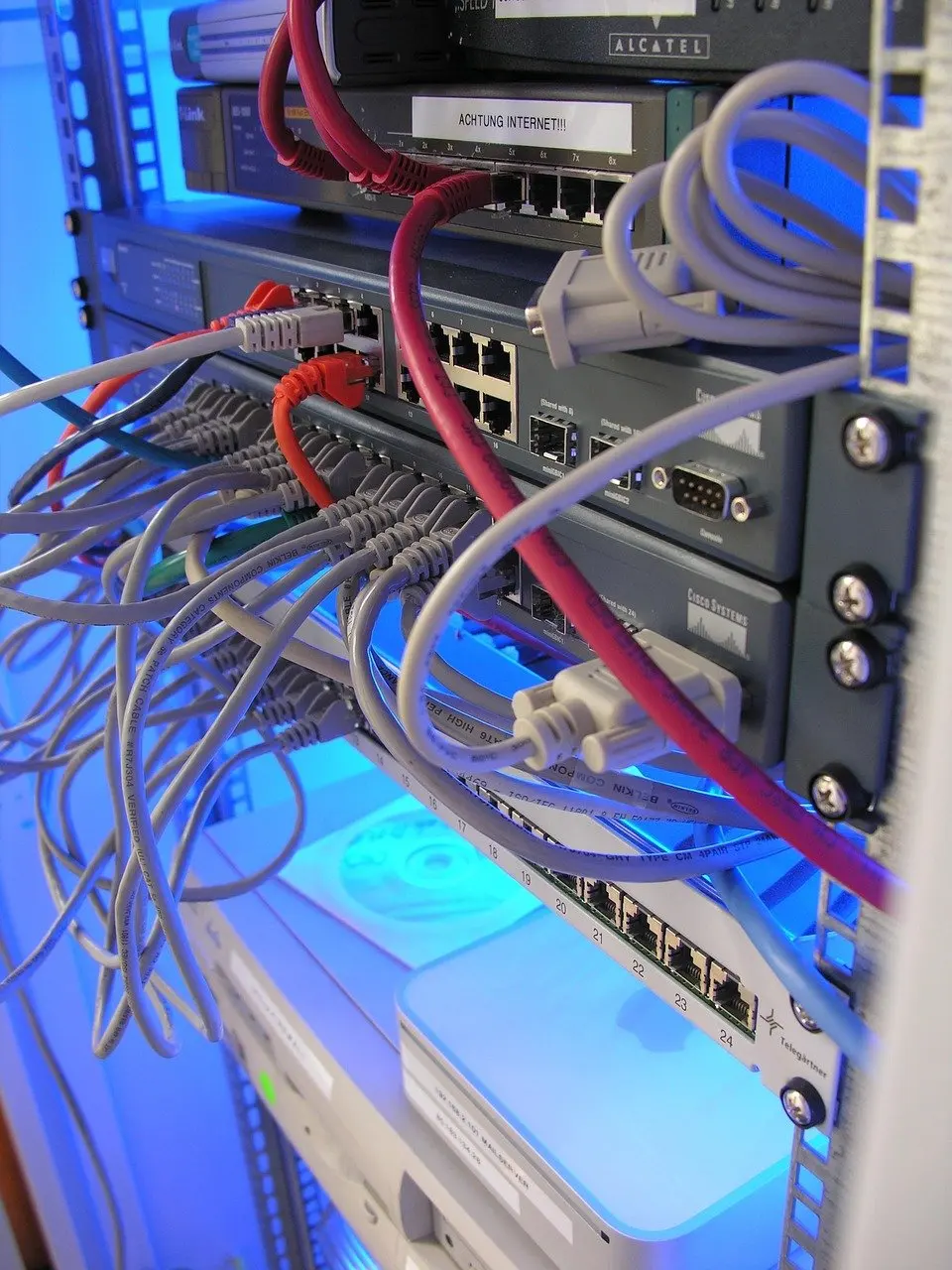
Where hubs still appear
Hubs matter mainly as a reference point. A hub has no awareness of addresses, so it repeats each signal out of every other port, and all devices share one collision domain and one broadcast domain.
Exam material still uses hubs to show why switching improved performance: a switch narrows the collision domain to a single port, and a router narrows the broadcast domain to a single interface. Understanding that progression makes the other device choices in this guide easier to reason about.
Frequently asked questions
What is the difference between a switch and a router?
A switch moves frames between devices inside one network using hardware addresses. A router moves packets between different networks using IP addresses, and keeps broadcasts from crossing between them.
Which device do I need in a home or small office network?
A home normally needs only a router. A small office typically adds a switch for wired devices and an access point for Wi-Fi, ideally a gigabit PoE switch if access points need power over the cable.
Can a router act as an access point?
It can, but the routing features go unused, and a reset to defaults can re-enable its DHCP server and cause conflicts. A dedicated access point is the cleaner option.
Is a range extender as good as an access point?
No. Extenders share bandwidth and so reduce speed, while a cabled access point links wireless devices to the wired network directly.