Knowing how to prepare for CCNA starts with one decision: your background. Absolute beginners often need 10–12 weeks of lab-based study, while people with helpdesk or junior network experience can compress that to about eight weeks.
This guide sequences networking fundamentals into CCNA-level skills, with a practical lab step at each stage. For a domain-by-domain view of the objectives, the ccna exam topics guide goes deeper than this overview.
Choose your starting point
Your starting point sets the order of study, the length of the plan and how much of your time belongs in a lab. Testimea’s CCNA preparation guide describes the exam as associate-level and warns learners to expect months of labs rather than a weekend cram. Match yourself to one of the profiles below before buying any course or book.
- Complete beginner: begin with the models, Ethernet and addressing before any device configuration. Plan for 10–12 weeks as the realistic range, and treat that as a minimum rather than a target to beat.
- Helpdesk or junior network experience: a plan of about eight weeks is workable because you already know what the equipment does. Spend the saved time on subnetting drills and on configuration you have never done yourself.
- Strong on theory, weak on hands-on: shift your hours toward labs. The same guide stresses that CCNA is a hands-on exam and that recognising a concept is not the same as verifying it on a device.
- German-speaking learner: the exam is offered in English and Japanese, so German is not an exam language. German-language material can help with concepts, but learn the terminology and command output in English from the first week.
- No hardware at home: start in a simulator and move to physical equipment only if you want it. The lab section below covers the options.
Is CCNA the right first certification?
CCNA is an associate-level networking exam, so it suits a beginner who is willing to commit to months of lab practice. It is not a light introduction that can be passed from reading alone. If you have never seen an IP address or a switch, treat the fundamentals sections below as a preparation phase before you book anything. If you can already explain what a switch does and why an address has a mask, you can move straight into configuration.
How long preparation takes
Duration depends on experience, not on a fixed syllabus length. The beginner range of 10–12 weeks and the compressed plan of about eight weeks both assume regular lab time, and the sequence further down shows how the weeks can be spread. Book the exam only when you can configure the main topics without looking up commands, not when the calendar says the plan is finished.
CCNA exam facts that shape your plan
The current exam is 200-301 CCNA, version v1.1, and it runs for 120 minutes according to Testimea’s exam overview. Question types are multiple choice, drag-and-drop and performance-based items. The performance-based items are the reason lab practice matters: they ask you to do something on a simulated device, not just to pick an answer.
The listed price is USD 300, or Cisco Learning Credits. Regional fees can differ, so confirm the amount for your country in Cisco’s registration system when you book. Version v1.1 has a last day to test of February 2, 2027. Anyone planning to sit the exam near that date should check Cisco’s current announcements first, because an exam that is retired mid-plan wastes revision time.
Cisco publishes an official exam topics document for 200-301 CCNA v1.1, and it is the authoritative list of objectives. Print it, and tick off each line only after you have done it in a lab. Use the weighted domain table near the end of this guide to decide how to divide your time, and use the exam topics document to check that no line is left uncovered.
Two practical conclusions follow from the format. First, 120 minutes with simulated configuration tasks rewards fluency, so practise commands until typing them is automatic. Second, a broad base beats a narrow specialism, because every domain is examined.
Fundamentals: models, Ethernet and addressing
The first block of study covers the OSI model, the TCP/IP model, Ethernet and IP addressing. These topics sit in the first exam domain, which also includes switching concepts such as MAC learning and flooding. The recommended method is to learn the models through packet path stories rather than memorisation alone. Follow one request from a laptop to a server and note, at each step, what is added to the data, which address is used and which device handles it.
The 7 layers of the osi model page lays out the reference model in order. The tcp/ip model vs osi model comparison shows how the two models line up, which matters because real protocols follow TCP/IP while exam questions often use OSI vocabulary. Learn both, and learn which one a question is using before you answer it.
Ethernet is the wired technology you will configure and troubleshoot most. Understand frames, hardware addresses and how a switch uses them before you touch VLANs. What is a mac address explains the local-link addressing that switches rely on. Then move to ip addressing explained, which covers the network-layer addressing you will use for the rest of the course.
Transport and supporting services
Once addressing makes sense, study how hosts exchange data and obtain their settings. Tcp vs udp covers the two transport behaviours and when each applies. The dhcp vs dns page separates two services beginners often confuse: one hands out configuration, the other resolves names. Keep these topics in the fundamentals phase, since they explain what a host needs before it can communicate at all.
Subnetting step by step
Subnetting fluency is non-negotiable for CCNA, and the first exam domain includes IPv4 and IPv6 addressing and subnetting. The recommended habit is to drill IPv4 subnetting daily until you can handle common masks without a calculator. Short daily sessions work better than a single long weekend session, because the skill is speed and pattern recognition.
Use this order when learning it:
- Learn what a subnet mask does: it separates the network portion of an address from the host portion. Subnet mask explained covers dotted notation and the shorter prefix form side by side.
- Practise converting between the two notations until the conversion needs no thought.
- Work through the method in how to subnet, on paper first, then check your answers with a calculator.
- Repeat the same problem types daily, and drop the calculator for the common masks once your answers consistently match.
- Apply the result in a lab by assigning your own subnets to a small topology and confirming that hosts can or cannot reach each other as you predicted.
The final step is the one learners skip. A subnet plan that looks correct on paper only proves itself when a ping succeeds or fails for the reason you expected.
Switching, VLANs and trunks
Switching is where reading turns into configuration. The suggested plan has you configure VLANs, trunks and EtherChannel in weeks 4-6, and then break spanning tree on purpose and fix it. Causing a fault yourself teaches more about how the protocol behaves than following a working walkthrough.
Start with the device roles. The switch vs router comparison explains why a switch moves frames within a network using hardware addresses, while a router moves packets between networks using IP addresses. If that distinction is blurry, VLAN and routing topics will keep tripping you up.
Next, learn how one physical switch can behave as several separate networks. What is a vlan covers VLANs and the trunk links that carry several of them between switches. In a lab, create VLANs, assign ports, and prove that hosts in different VLANs cannot communicate until something routes between them. Then add a trunk between two switches and confirm that hosts in the same VLAN can reach each other across it.
EtherChannel and spanning tree complete the switching block. Treat spanning tree as a protocol you diagnose, not one you merely define: introduce a loop or a bad priority, observe what the switches do, and restore a stable topology.
Routing and OSPF
IP Connectivity is the largest exam domain, so routing deserves the biggest share of your lab time. For CCNA this means static routes and single-area OSPF, including adjacency, link-state advertisements at a CCNA depth, and default routes. The phrase “at a CCNA depth” is a useful limit: you need to explain and verify the behaviour, not master every OSPF extension.
Work in this order. Build static routes first so you understand exactly what a routing table entry means. Add a default route for traffic with no more specific match. Then replace the static routes with OSPF on the same topology and compare the resulting tables. A router that forms an adjacency with a neighbour exchanges link-state advertisements, and that exchange is what populates its table. Finally, break an adjacency on purpose and work out why it failed, since neighbour problems are a typical troubleshooting scenario.
Cabling and topology basics
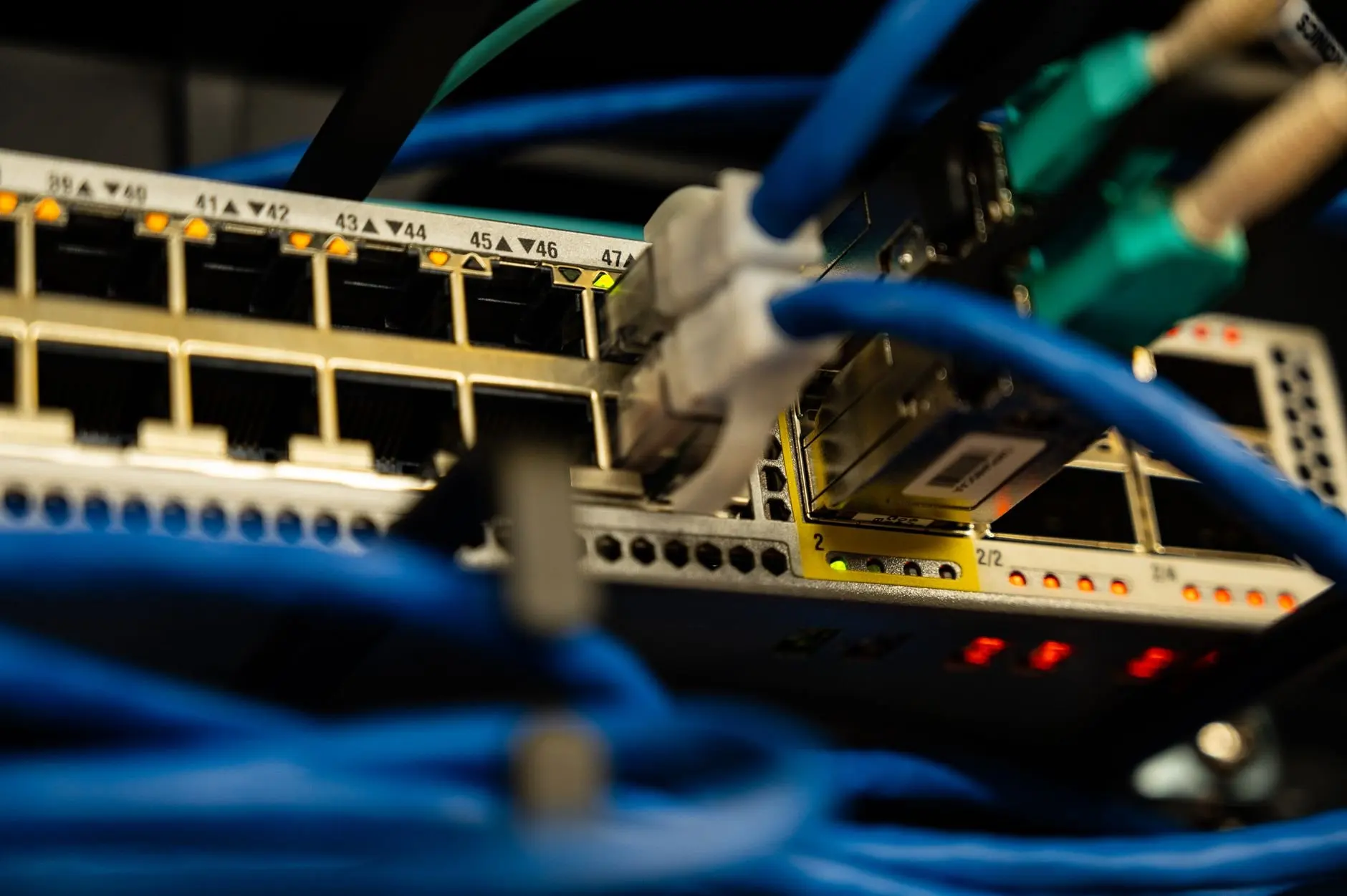
Physical connections are easy to underrate, because simulators hide them. Yet a wrong cable or a down interface explains many faults before any protocol is involved. Read types of network cables so you recognise copper and fibre options and know what each is used for. Then study types of network topology, which gives you the vocabulary for describing how devices are arranged.
A useful habit is to draw each lab topology before building it, labelling every interface. Troubleshooting becomes far easier when you can trace a path hop by hop on your own diagram.
Security, IP services, automation and cloud
The remaining exam domains are weighted lower but still counted. Security Fundamentals, IP Services, and Automation and Programmability each have their own share of the exam, as the table below shows. Do not postpone them to the last week. Read them alongside lab work so the vocabulary is familiar when you meet it in a question.
Cloud and virtualisation are not a named exam domain in the supplied exam breakdown, but they provide context for how modern networks are built and how automation fits in. Cloud networking basics is a sensible supplementary read once your core routing and switching work is solid. Use it to place the CCNA skills in a wider setting rather than as a substitute for the objectives.
Building a practice lab
A workable lab is simple. The suggested minimum is a Packet Tracer, CML or physical setup with two switches, one router and a few PCs. That topology is enough to practise VLANs, trunks, EtherChannel, spanning tree, static routing, OSPF and addressing, which together cover most of the hands-on exam content described above.
- Packet Tracer: choose it if you want a free-feeling, low-friction start with no hardware and a quick way to rebuild a topology after a mistake.
- CML: choose it if you want a closer approximation of real device behaviour and are comfortable with a heavier setup.
- Physical lab: choose it if you want to handle cables and interfaces yourself and learn to read link lights, at the cost of buying and powering equipment.
A simulator is enough to start, and that matters for beginners deciding whether to spend money. The decisive factor is not which tool you use but whether you configure from a blank device regularly instead of only reviewing finished configurations.
Practice and instruction
Once your lab runs, add structured practice. The ccna practice questions page pairs questions with lab exercises, which fits an exam that mixes multiple-choice items with performance-based ones. Use questions to find weak topics, then return to the lab to fix them rather than memorising answers.
If self-study is not working, instruction is an option. Sterling Next lists an instructor-led CCNA course among its offerings. Choose instruction if you need a fixed schedule or someone to explain gaps, and still keep the daily subnetting drills and independent lab time.
A study sequence you can follow
The order below follows the progression used throughout this guide. Stretch it toward the 10–12 week beginner range or compress it toward about eight weeks, depending on your experience. Only the VLAN, trunk and EtherChannel stage has a stated week range in the cited plan: weeks 4-6.
- Models and packet paths: follow a request end to end until the OSI and TCP/IP models describe something you can picture.
- Ethernet and addressing: learn how frames and IP addresses differ, and begin daily subnetting drills that continue for the whole plan.
- Switch basics: build the minimum lab and observe MAC learning and flooding.
- VLANs, trunks and EtherChannel: configure them in weeks 4-6, then break spanning tree on purpose and repair it.
- Static routing and OSPF: add the router, build static and default routes, then move to single-area OSPF.
- Services, security and automation: cover the lower-weighted domains alongside labs so that they do not pile up at the end.
- Timed practice: work through questions and lab exercises within the 120-minute exam window, then repair weak areas before booking.
Exam domains at a glance
Use the weights below to apportion study time, but do not skip any domain. The largest domain deserves the most lab hours, while the smaller ones still contribute questions.
| Domain | Weight | Planning use |
|---|---|---|
| Network Fundamentals | 20% | Models, Ethernet, addressing and subnetting; start here and keep drilling subnetting daily. |
| Domain 2 (VLANs, trunks, EtherChannel) | See Cisco’s exam topics document | Configure in weeks 4-6 and practise spanning tree faults. |
| IP Connectivity | 25% (largest domain) | Give routing and single-area OSPF the biggest share of lab time. |
| IP Services | 10% | Cover alongside routing labs rather than leaving it to the end. |
| Security Fundamentals | 15% | Study steadily; its share is large enough to cost marks if ignored. |
| Automation and Programmability | 10% | Learn the vocabulary early so it is familiar when reviewing. |
Domain weights are taken from the exam breakdown in Testimea’s CCNA preparation guide, which refers learners to Cisco’s official exam topics PDF for the complete objective list.
Frequently asked questions
How soon do CCNA results arrive?
Results are reported as pass or fail and typically appear online within about 48 hours.
How many questions are on the exam, and what is the pass mark?
Cisco does not publish an official question count or a numeric passing score. Aim for competence across all domains instead of chasing a target score.
Can I take an instructor-led CCNA course?
Yes. Sterling Next lists an instructor-led CCNA course, which suits learners who want a fixed schedule alongside their own lab practice.